
- Oct 24, 2010
- 95,271
- 34,509
HP TouchPad owners unite! share your tips and tricks in here.


[h1]HP TouchPad: Everything you want to know[/h1]
By James Kendrick | August 26, 2011, 5:05am PDT
Summary: Tips and tricks, apps and accessories: Here’s everything new Touchpad owners need in one place.
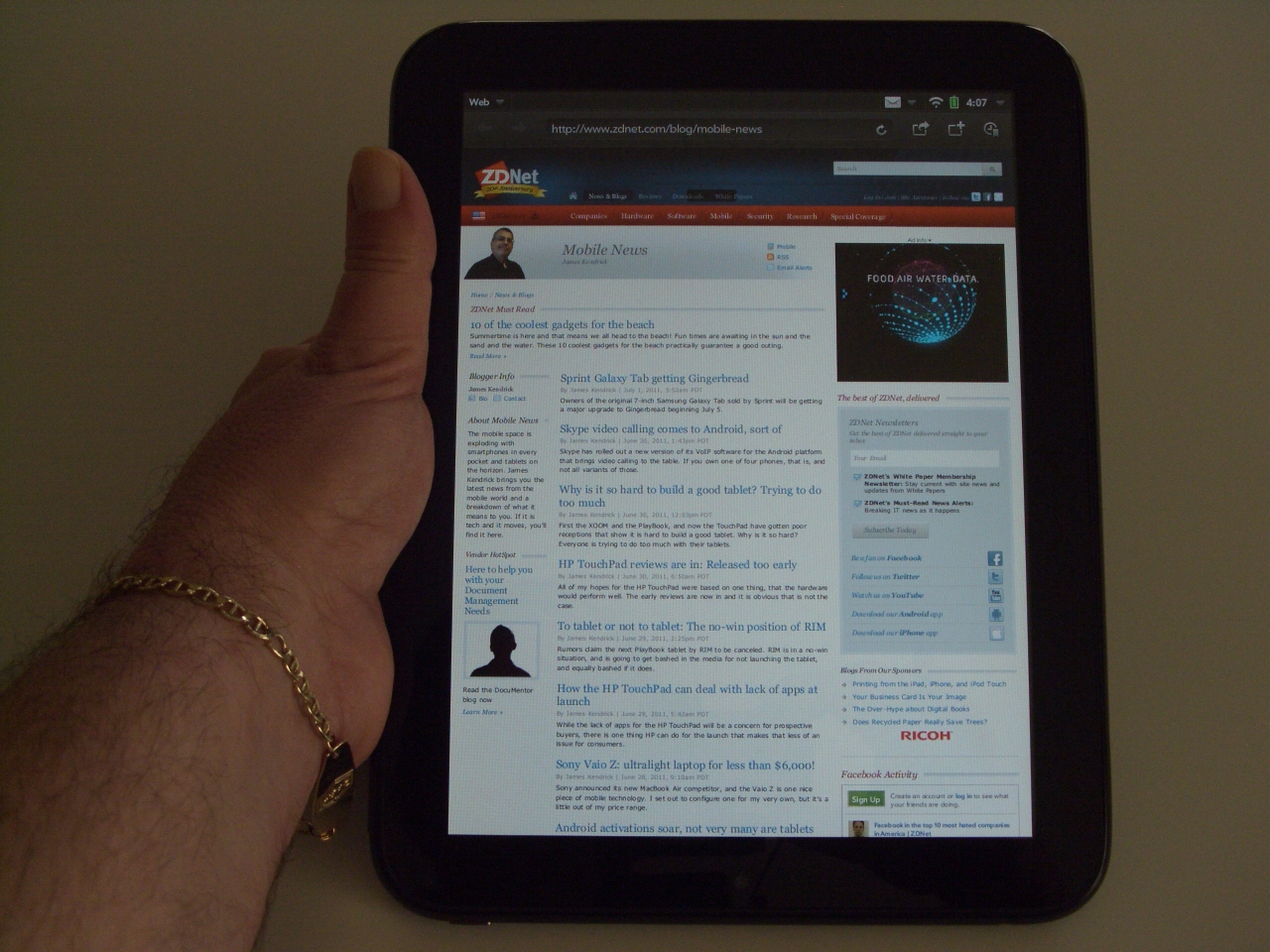 It is hard to believe the HP TouchPad has only been around for a few weeks given the checkered past it has already lived. It went from also-ran to the top seller on Amazon in days, and according to some estimates has sold hundreds of thousands of units in the last week. Based on the correspondence I am receiving from new TouchPad owners I believe those figures may be accurate.
Many of these new TouchPad owners are craving for information about their new tablet, and many questions I am spending hours each day answering are in fact answered in articles I wrote before the bizarre scenario played out. It seems like a good idea to gather all of my articles about the HP TouchPad together in one place for easy reference.
One reason that early reviews of the TouchPad routinely panned the device for poor performance out of the box was due to the way webOS handles the initial Synergy syncing. Synergy brings together all of the user’s social networks, email and contacts from all over the web so the TouchPad can do useful things with them. Unfortunately, this initial syncing in the background can take a day or two if enough accounts are configured, and there is nothing that can be done about the performance hits while the syncing is taking place. Once the syncing completes the performance becomes pretty good, so let it happen and expect possible lagginess in execution for the first day or so. Things get much better after that.
[h3]Tips and tricks and general coverage for the HP TouchPad[/h3]
How to improve the performance of your new HP TouchPad
New HP TouchPad owners go get your free 50GB of lifetime cloud storage
HP TouchPad owners: get 6 free apps from HP for a limited time
HP TouchPad: HP and Best Buy to refund price differences for early buyers
HP TouchPad as portable blogging machine
Overclocking the HP TouchPad cranks up the speed
HP TouchPad: Still better than Honeycomb
5 Tablets for back to school
The HP TouchPad homebrew community is already alive and well
HP TouchPad: Hands-on impressions
[h3]Good apps for the HP TouchPad[/h3]
10 apps for your new HP TouchPad
5 more apps for your new HP TouchPad
What the HP TouchPad needs is an Android Player
HP TouchPad as portable blogging machine
HP TouchPad: Kindle app review
Glimpse for HP TouchPad: Multi-tasking within a single app
Cool apps for the HP TouchPad with screenshots
Top 5 free apps for the HP TouchPad; Easter eggs bonus
[h3]Accessories for the HP TouchPad[/h3]
Review: iPad Travel Express bag fits the TouchPad and Galaxy Tab
Arkon Portable Tablet Stand for iPad, Honeycomb, TouchPad, and eReaders
HP TouchPad: Waterfield Designs sleeve case review
HP TouchPad Case review: Thin and light
Freedom Pro Bluetooth keyboard: Good for use with any tablet
Related Stories:
Do NOT post about ROMS, you will get banned.
[h1]HP TouchPad: Everything you want to know[/h1]
By James Kendrick | August 26, 2011, 5:05am PDT
Summary: Tips and tricks, apps and accessories: Here’s everything new Touchpad owners need in one place.
 It is hard to believe the HP TouchPad has only been around for a few weeks given the checkered past it has already lived. It went from also-ran to the top seller on Amazon in days, and according to some estimates has sold hundreds of thousands of units in the last week. Based on the correspondence I am receiving from new TouchPad owners I believe those figures may be accurate.
Many of these new TouchPad owners are craving for information about their new tablet, and many questions I am spending hours each day answering are in fact answered in articles I wrote before the bizarre scenario played out. It seems like a good idea to gather all of my articles about the HP TouchPad together in one place for easy reference.
One reason that early reviews of the TouchPad routinely panned the device for poor performance out of the box was due to the way webOS handles the initial Synergy syncing. Synergy brings together all of the user’s social networks, email and contacts from all over the web so the TouchPad can do useful things with them. Unfortunately, this initial syncing in the background can take a day or two if enough accounts are configured, and there is nothing that can be done about the performance hits while the syncing is taking place. Once the syncing completes the performance becomes pretty good, so let it happen and expect possible lagginess in execution for the first day or so. Things get much better after that.
[h3]Tips and tricks and general coverage for the HP TouchPad[/h3]
How to improve the performance of your new HP TouchPad
New HP TouchPad owners go get your free 50GB of lifetime cloud storage
HP TouchPad owners: get 6 free apps from HP for a limited time
HP TouchPad: HP and Best Buy to refund price differences for early buyers
HP TouchPad as portable blogging machine
Overclocking the HP TouchPad cranks up the speed
HP TouchPad: Still better than Honeycomb
5 Tablets for back to school
The HP TouchPad homebrew community is already alive and well
HP TouchPad: Hands-on impressions
[h3]Good apps for the HP TouchPad[/h3]
10 apps for your new HP TouchPad
5 more apps for your new HP TouchPad
What the HP TouchPad needs is an Android Player
HP TouchPad as portable blogging machine
HP TouchPad: Kindle app review
Glimpse for HP TouchPad: Multi-tasking within a single app
Cool apps for the HP TouchPad with screenshots
Top 5 free apps for the HP TouchPad; Easter eggs bonus
[h3]Accessories for the HP TouchPad[/h3]
Review: iPad Travel Express bag fits the TouchPad and Galaxy Tab
Arkon Portable Tablet Stand for iPad, Honeycomb, TouchPad, and eReaders
HP TouchPad: Waterfield Designs sleeve case review
HP TouchPad Case review: Thin and light
Freedom Pro Bluetooth keyboard: Good for use with any tablet
Related Stories:
- HP’s TouchPad fire sale: The fallout
- HP punts on WebOS, discontinues TouchPad, cuts outlook
- A tale of two failures: Microsoft’s Kin and HP’s TouchPad
- webOS: A compelling OS that never appeared on great hardware
- Five lessons tablet OEMs can learn from HP TouchPad fiasco
Do NOT post about ROMS, you will get banned.





