Post Your Desktop

iwcOXX9HwIHaz.png


i41m9veEVfr5r.png
 
Damn that looks dope. Doesn't work with DisplayFusion though
frown.gif
 
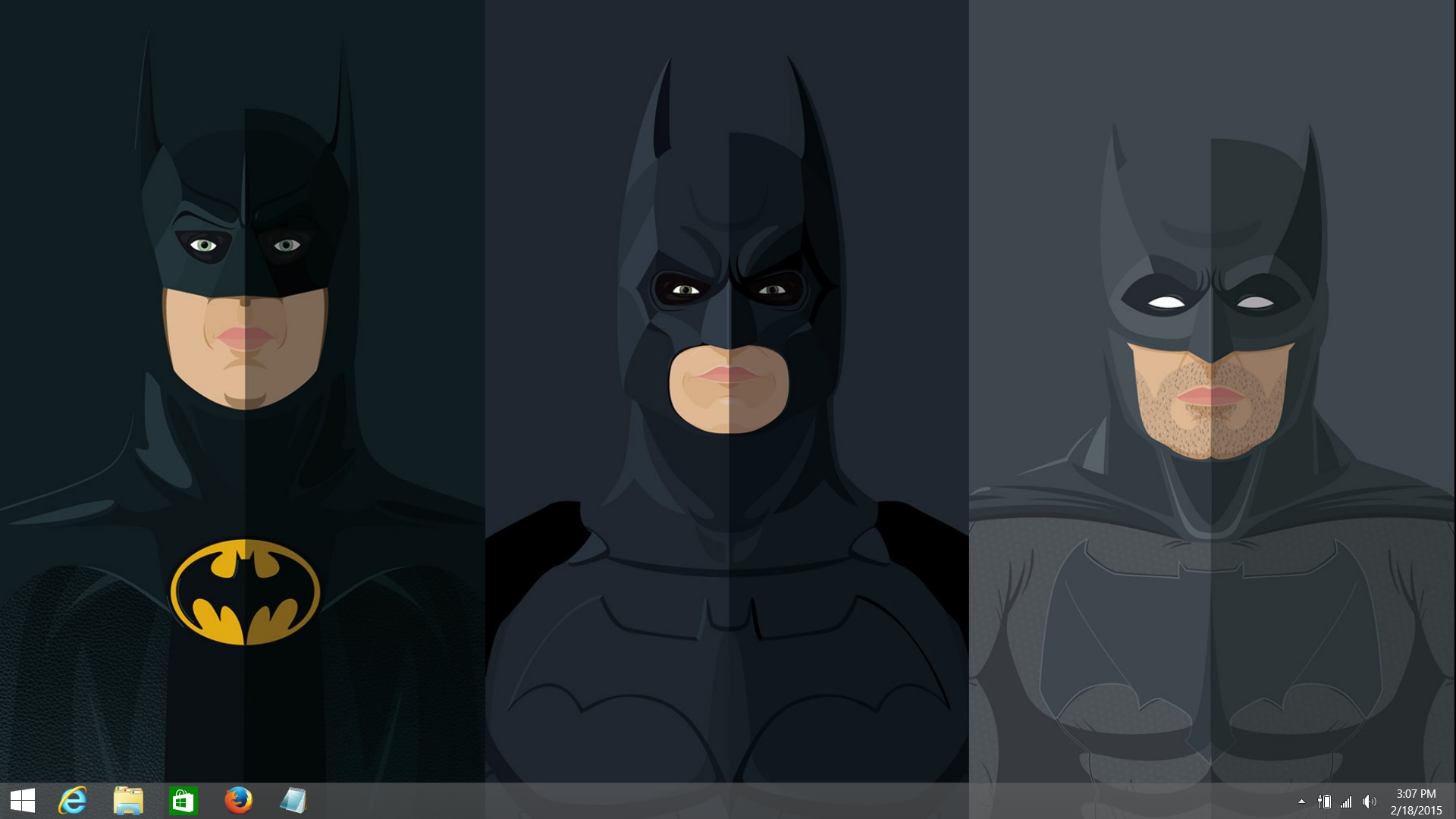
Just made this wallpaper inspired by Theophilus London's "Vibes" album...need to change my dock icons. Anyone know how to do it on yosemite?

You have to do it one at a time. Find the app you want to change then left click, get info, and drag and drop a png. image. Gonna update my desktop soon and post when complete.

Is there a specific website where you can get icons from that have the same pixels as the stock ones?
 
not sure if theres a 2015 thread 8o
changed up my dekstop tho felt real minimal :hat
1zg3x5c.jpg
 
Last edited:
i still wanna know how to get those little music player thingys where it shows the song ur listening to and stuff

i just use itunes :(
 
No clue how to get the dock to look like that on Mavericks but if you are running an earlier OS then you can use candybar. The music app works with itunes you can find it here http://bowtieapp.com/
 
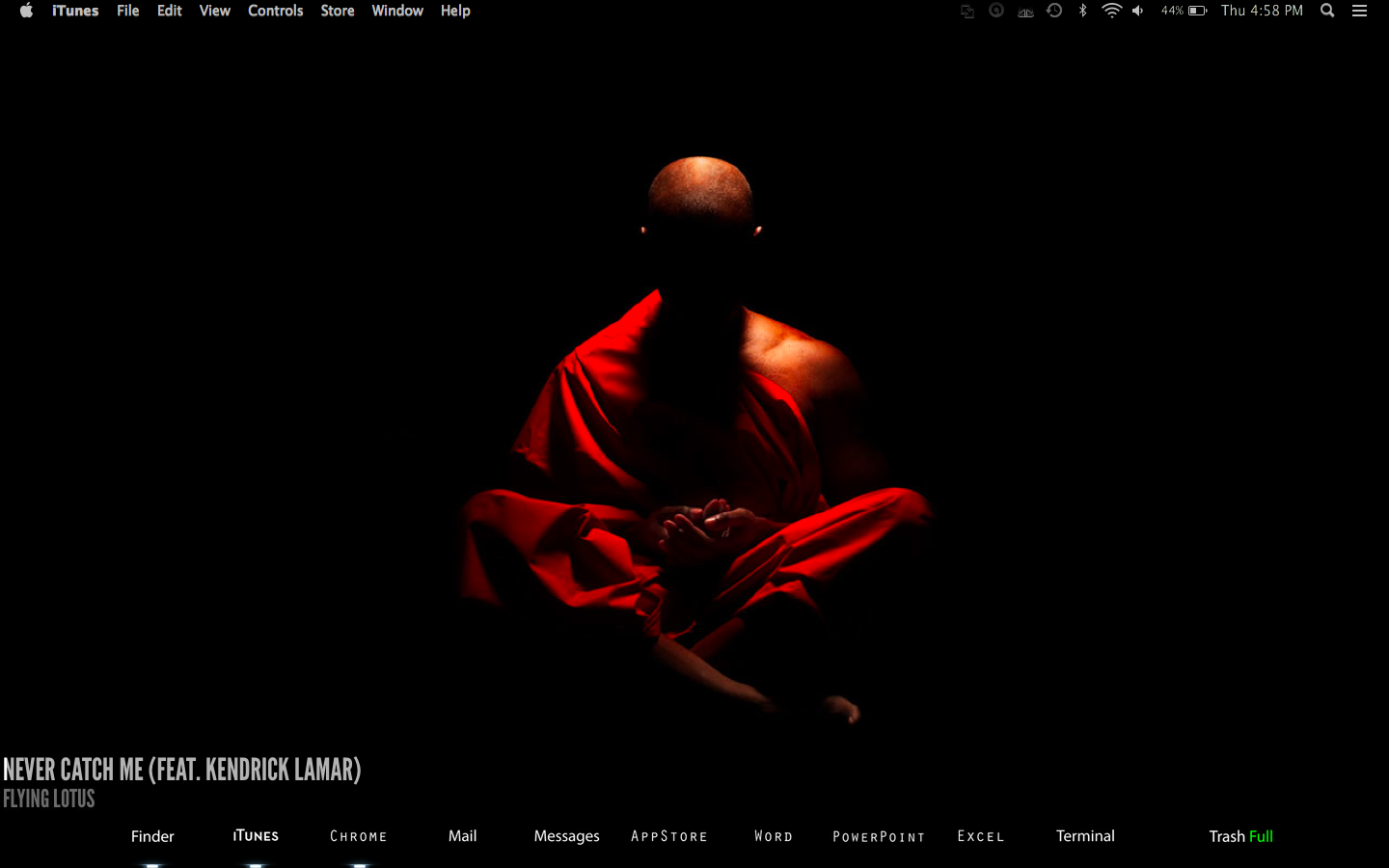
 This is too clean. Anyone know how I can get my dock and icons to look like this? Any help is appreciated!

-ObsidianMenuBar (with white txt ui plugin)
-Icons from deviant art(on mobile will try to link later), right click icon>get info> drag and drop new icon over old icon. Few of those were made in Photoshop because the author didn't have the icons made for most of the apps i use.
-Indicator lights show up by default
-Bowtie/itunes
-Disabled dock
-Simple black background
 
Last edited:
Back
Top Bottom